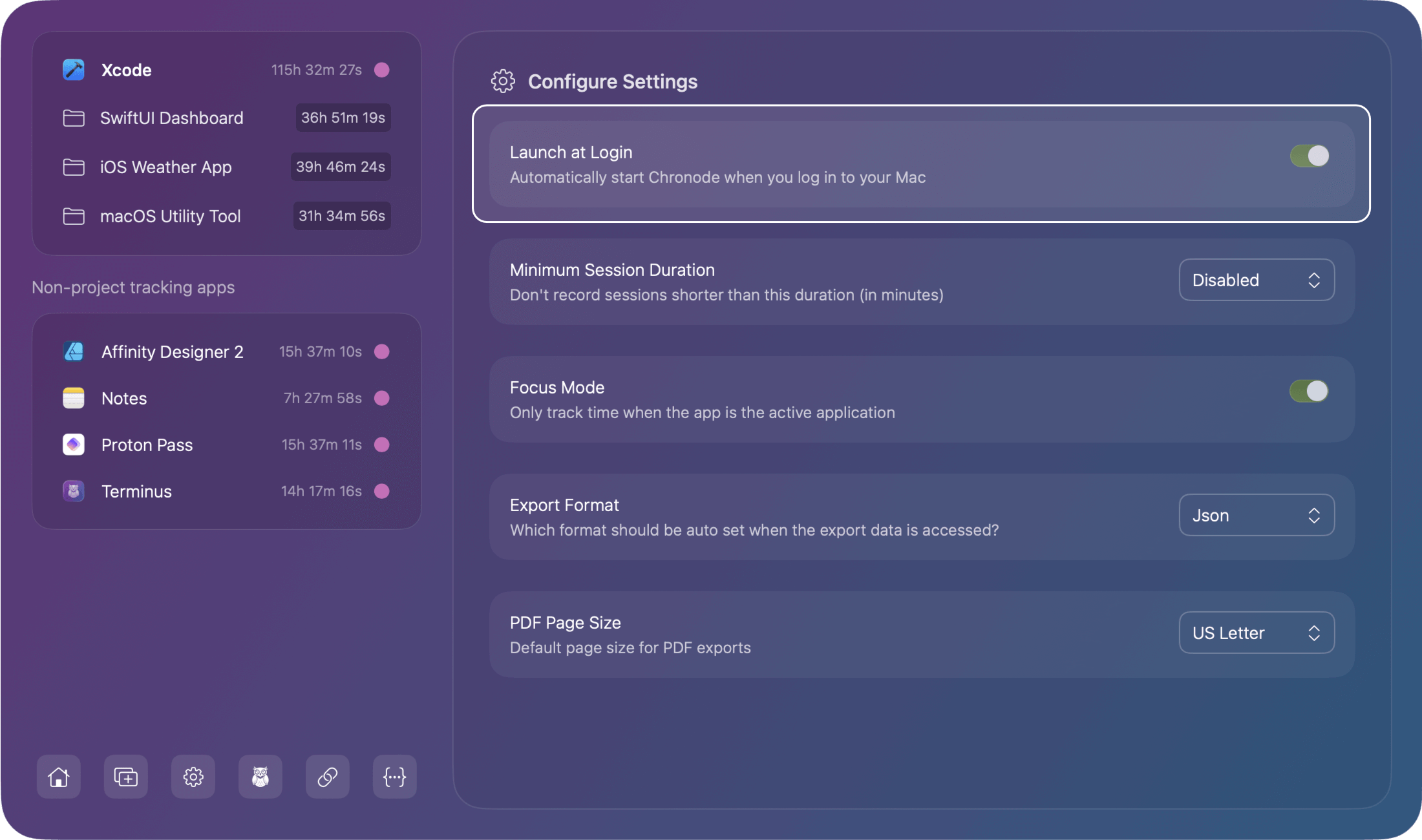
Chronode is designed to work perfectly out of the box with sensible defaults. The settings available here let you customize how Chronode tracks your time and saves your export preferences. Most users won't need to change anything, but these options give you control over automatic startup, session filtering, tracking behavior, and export defaults.
Accessing Settings
Settings for can be accessed by clicking the button at the bottom of the sidebar of the main app window.
Launch at Login
Launches Chronode automatically when you start your Mac which ensures you never forget to start tracking. Chronode begins monitoring as soon as you log in or reboot. Simple toggle the setting switch to ON or OFF.
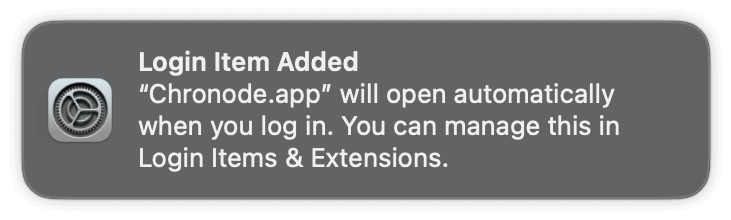
When enabled for the first time, you will see a notification to the top right of your screen:
Minimum Session Duration
This setting filters out sessions shorter than the configured duration and ignores them. By default everything is tracked, but you may set this to between 1 and 5 minutes (or 0 to disable this feature)
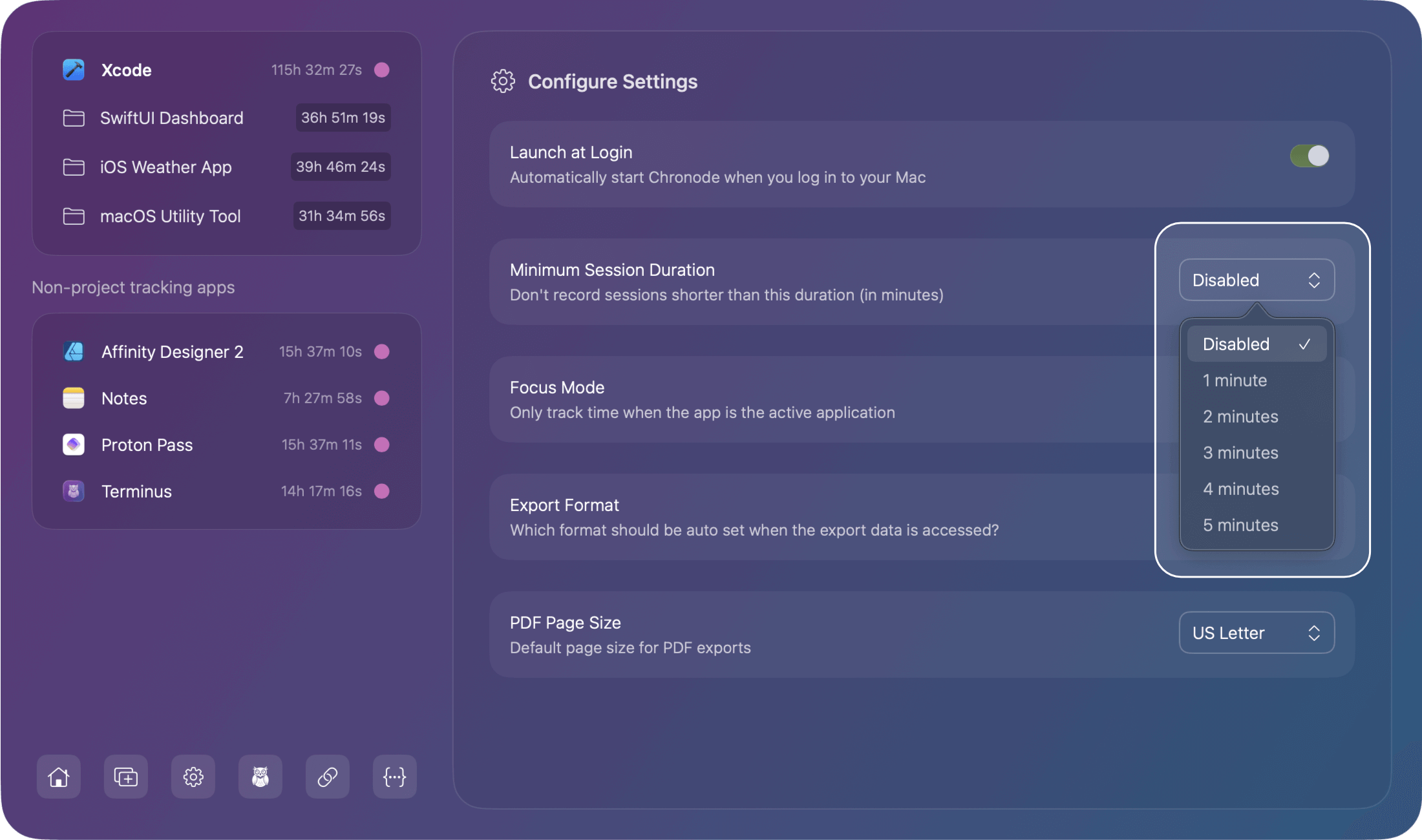
This setting was added to help prevent clutter from:
- Accidental app launches
- Brief app opens to check something
- Background processes that immediately quit
Important: Filtering happens when the session ends, not in real-time. While a session is active, all time is tracked. The filter only applies once the app quits.
Set to 0 minutes if:
- You want to track everything, even brief uses
- Every second matters for billing
- You want complete session history
Set to 1-2 minutes if:
- You want to filter out accidental launches
- Brief app checks aren't billable work
- You prefer cleaner time logs
Set to 3-5 minutes if:
- Only substantial sessions matter
- You frequently launch apps to check settings
- You want highly focused time records
Focus Mode
Focus mode only tracks time when a monitored app is the active/frontmost window.
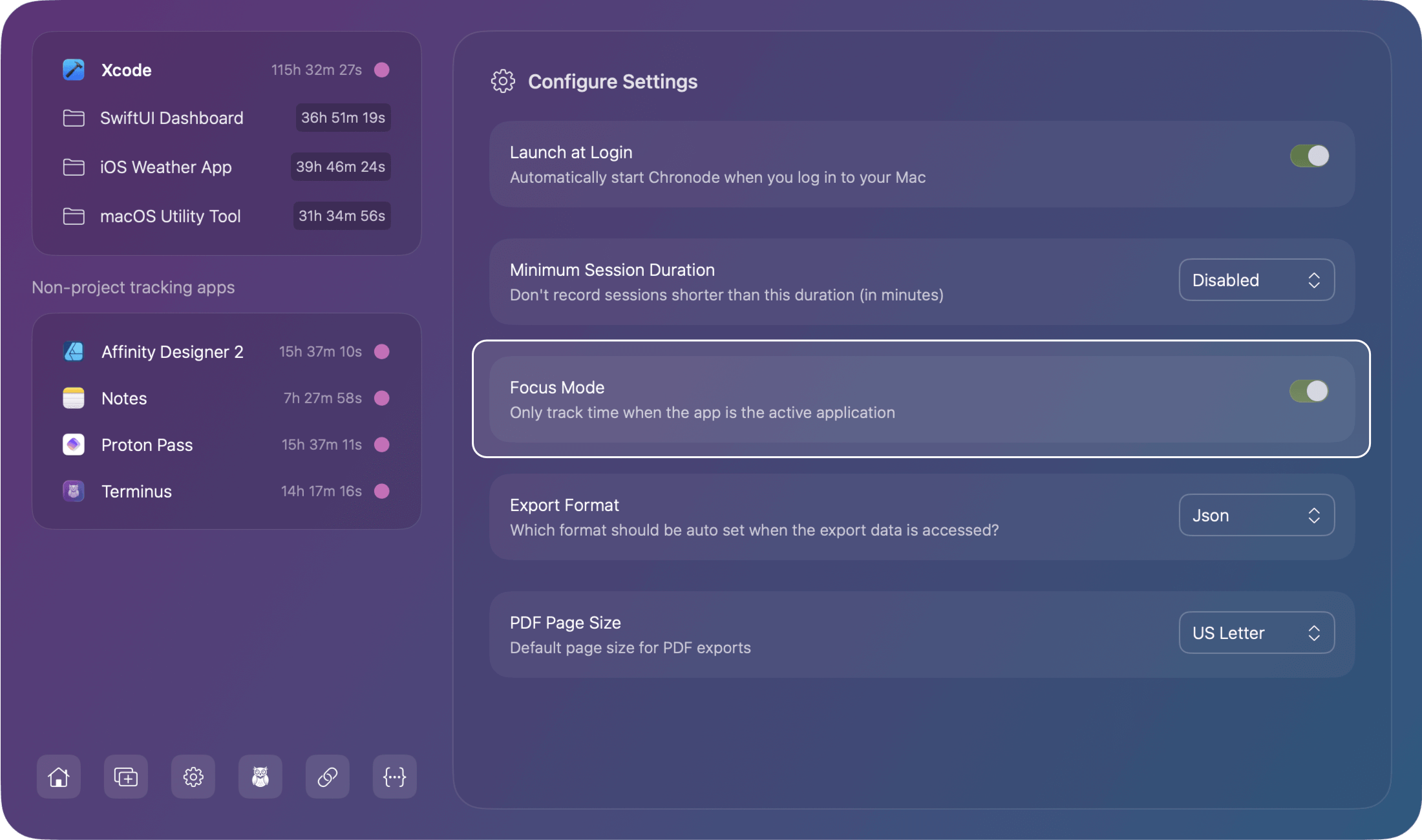
Enable Focus Mode if you:
- Want to track only active work time
- Often have apps running in background without using them
- Need accurate "hands-on-keyboard" time
- Work with multiple apps simultaneously
Disable Focus Mode if you:
- Want total runtime tracking (app open = time tracked)
- Often reference background apps while working
- Prefer inclusive time tracking
Export Format
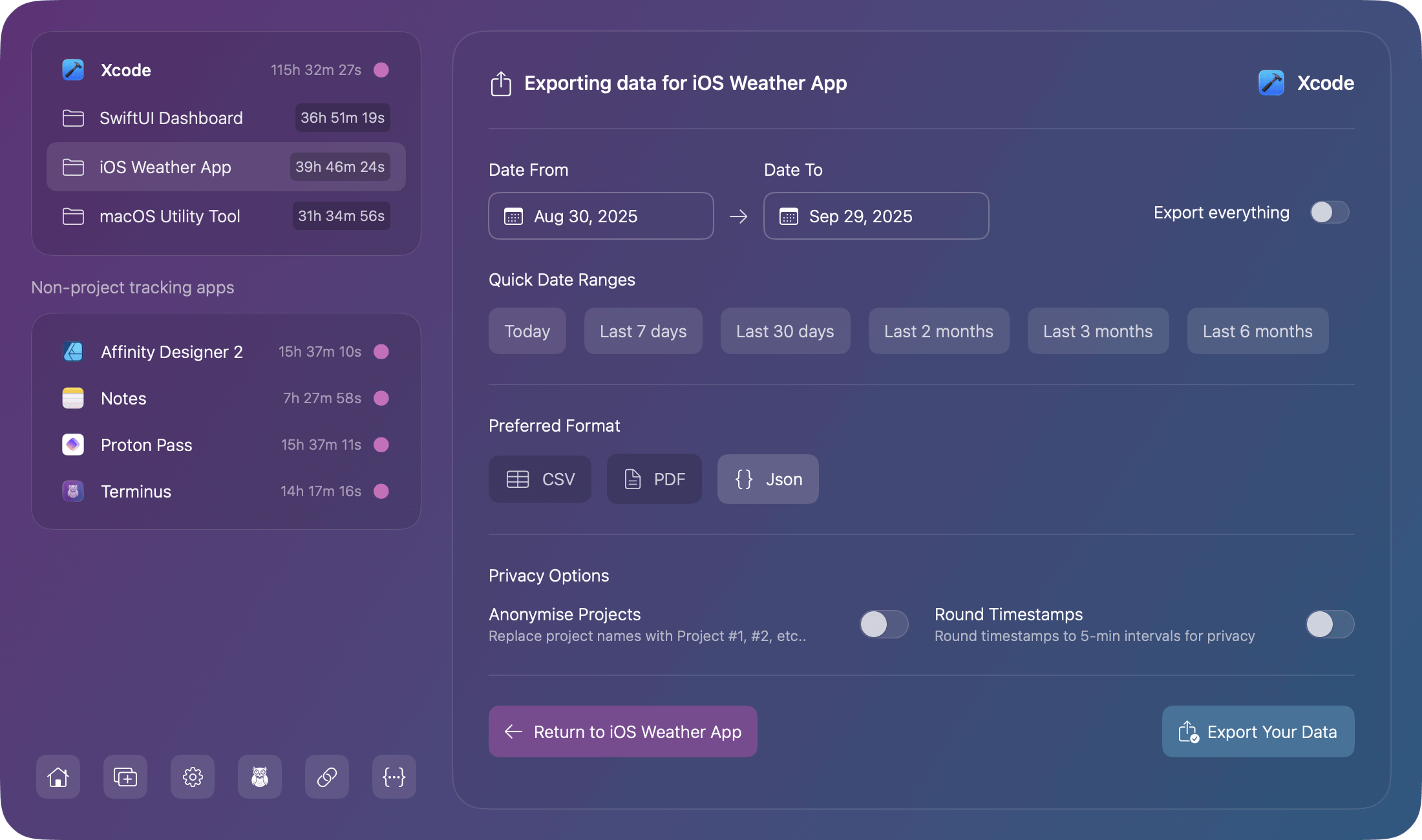
This setting remembers your preferred export format from the formats available:
- CSV: Useful for spreadsheets and accounting software
- PDF: For potential reports and invoicing
- JSON: For custom integrations and analysis
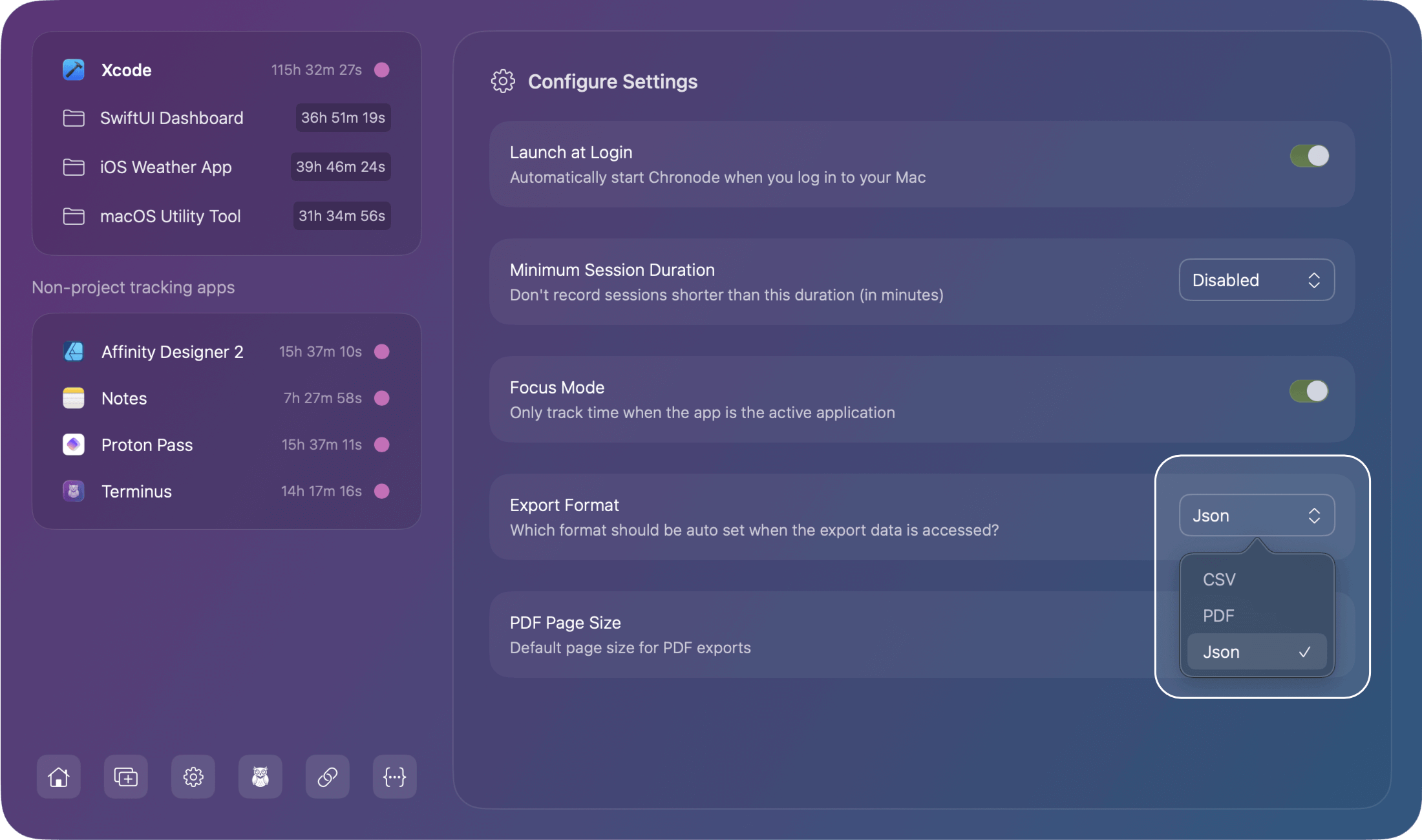
You can still change the format during individual app or project data exports should you need to.
PDF Page Size
Set your default page size when exporting to PDF. You may choose from the sizes available:
- US Letter: 8.5" × 11" (standard in US)
- A4: 210mm × 297mm (international standard)
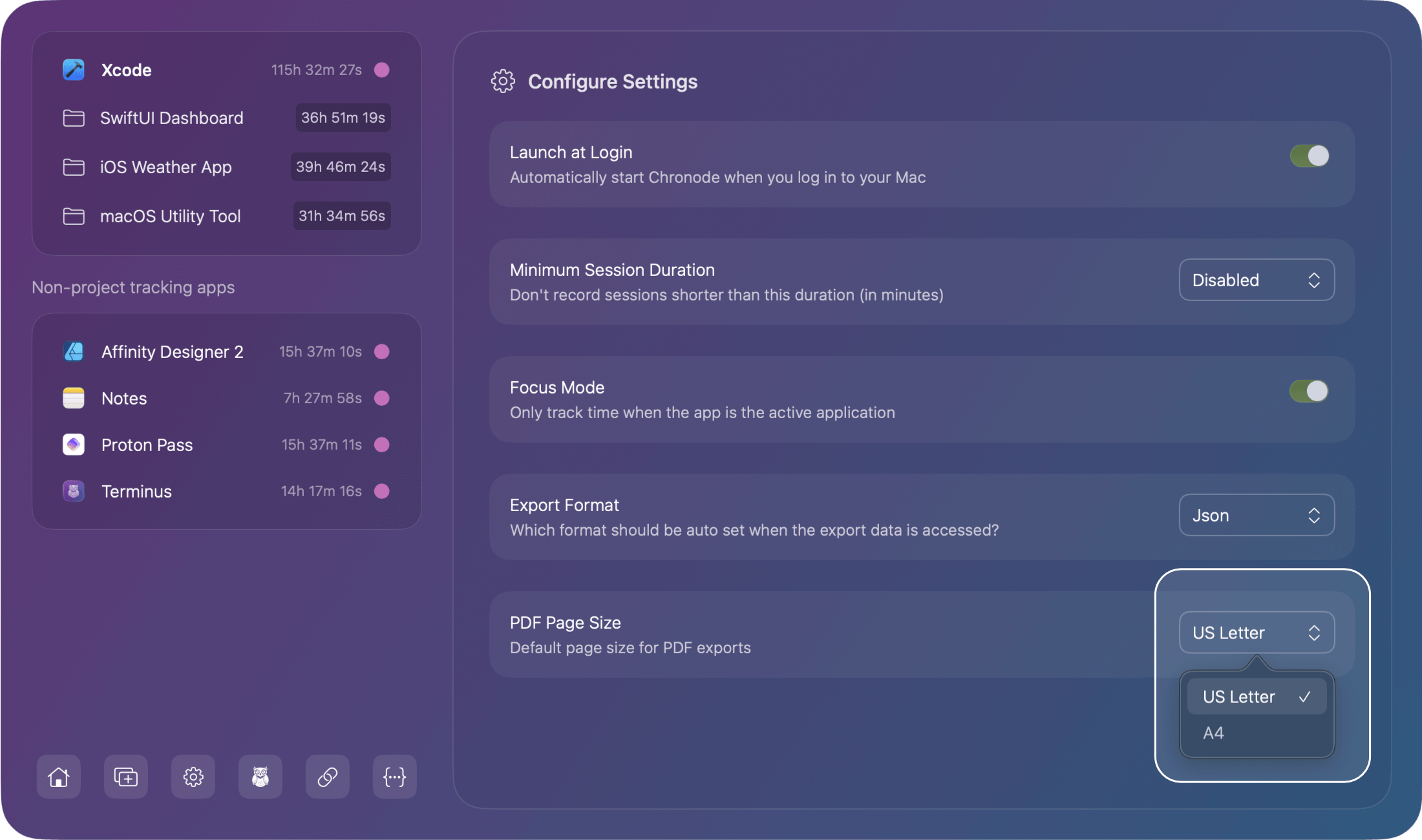
You can still change the size during individual app or project data exports should you need to.
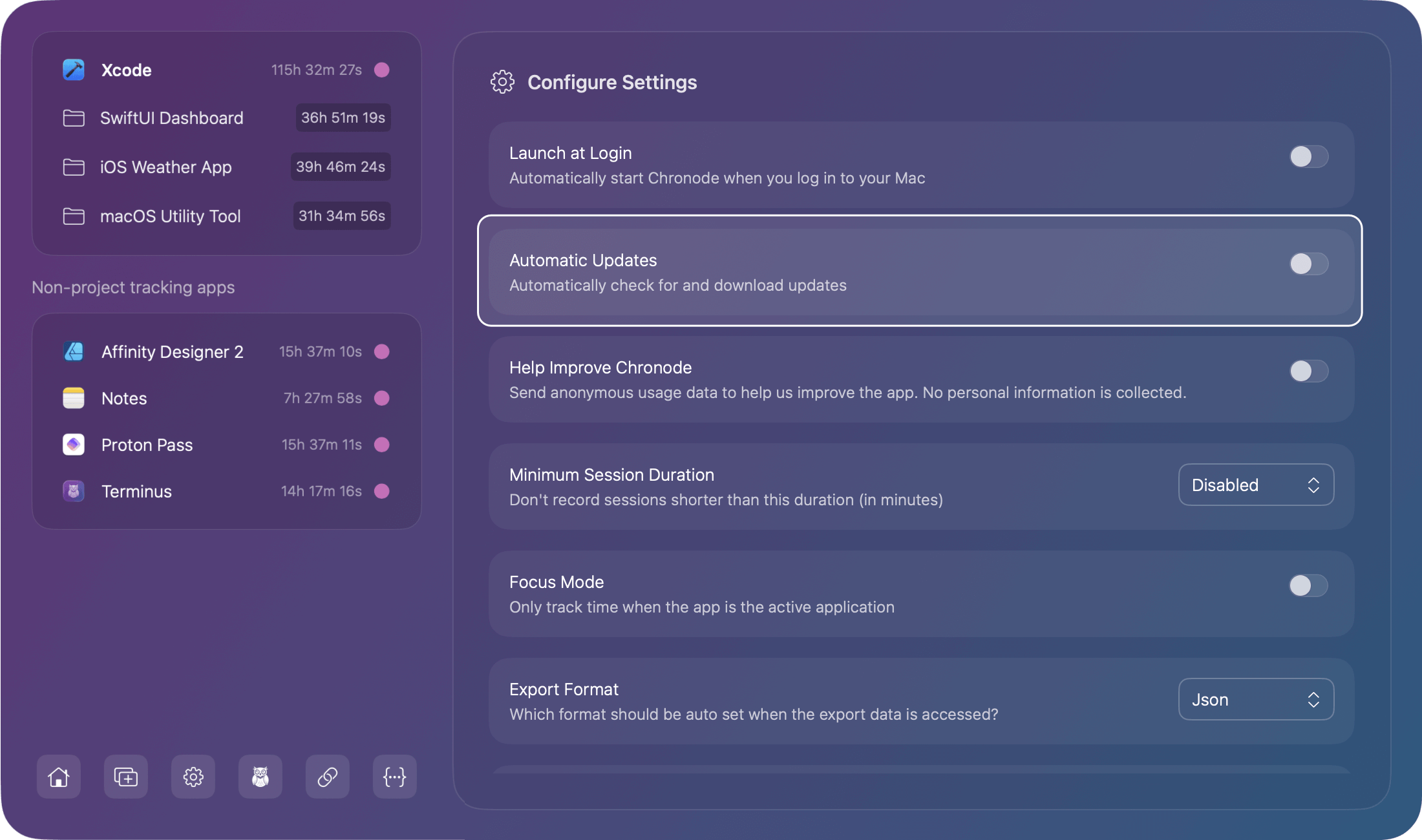
Automatic Updates
Enable automatic updates to keep Chronode up to date with the latest features, improvements, and security fixes. When enabled, Chronode uses the Sparkle framework to periodically check for new versions and notify you when updates are available.
What happens when enabled:
- Periodic checks for new Chronode versions
- Download notifications when updates are available
- One-click installation of updates
- Silent license verification (Pro users only, if overdue)
What's NOT sent:
- Your time tracking data or project information
- Any personally identifiable information beyond license verification (Pro users)
- Usage statistics (unless separately enabled)
Download tracking:
When you download an update, our server records the download to help us monitor update distribution and adoption rates. This helps us ensure updates are being delivered successfully. None of your data is captured during this process, only the fact that a download occurred.
Default: Disabled (opt-in)
Toggle the switch to enable or disable at any time. You can always manually check for updates via the menu bar (Chronode → Check for Updates) regardless of this setting.
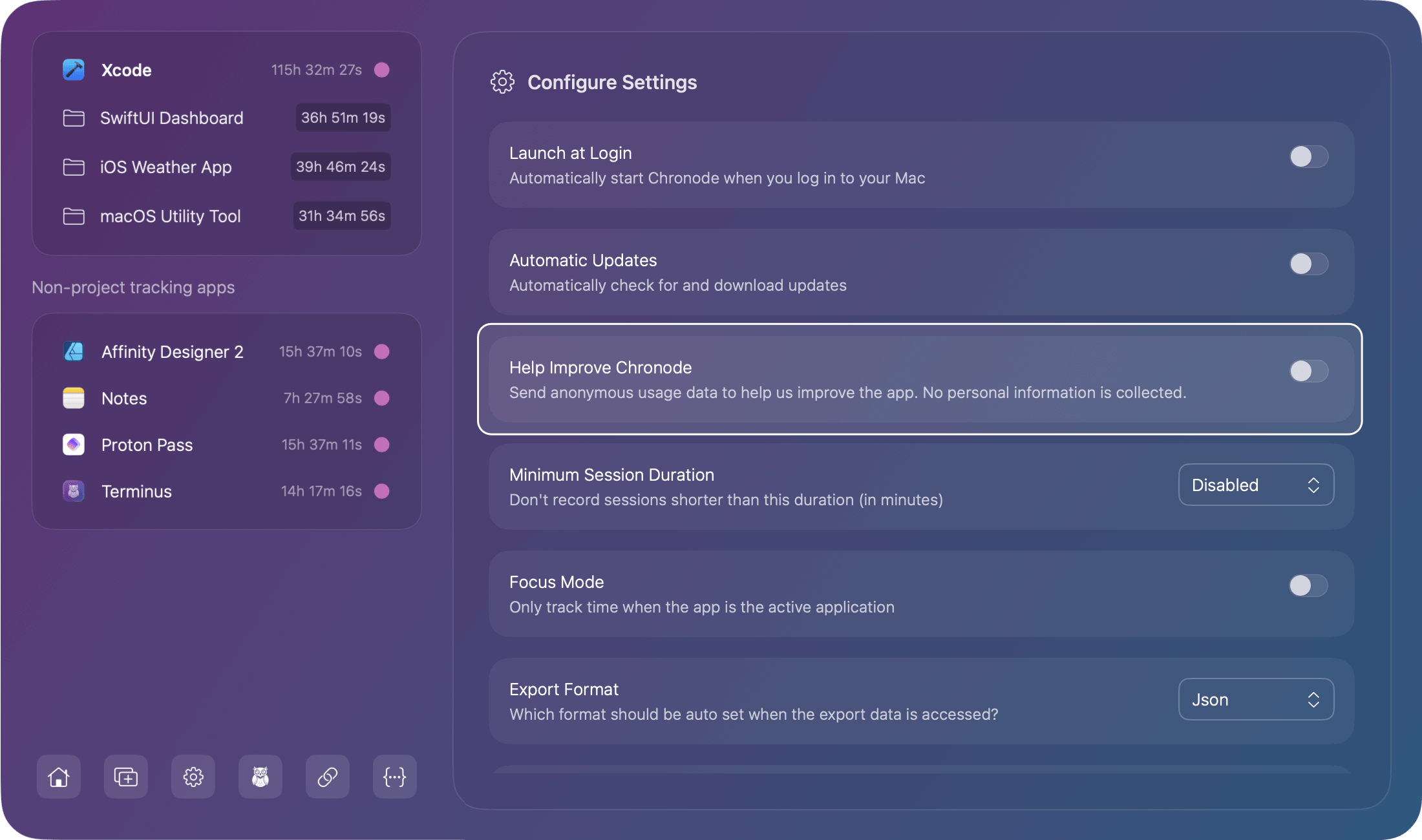
Help Improve Chronode
Enable anonymous usage analytics to help improve Chronode. When enabled, the app sends anonymous feature usage data to help us understand which features are most valuable and identify areas for improvement.
What's collected:
- Feature usage events (e.g., exports, settings changes)
- App lifecycle events (launch, quit)
- Technical information (app version, timestamps)
- Anonymous session identifiers (generated fresh each launch)
What's NOT collected:
- Project names or file paths
- Your time tracking data
- Any personally identifiable information
Default: Disabled (opt-in only)
Toggle the switch to enable or disable at any time. When disabled, no usage data is collected or sent.